£ GBP
£ GBP
 € Euro


Solmar Villas' App


So, you've booked a holiday, how exciting! Your next step is to download the Solmar Villas app, which has all the information you need for your upcoming escape. Follow the four easy steps below to download, log in and navigate through our app!
Four Simple Steps
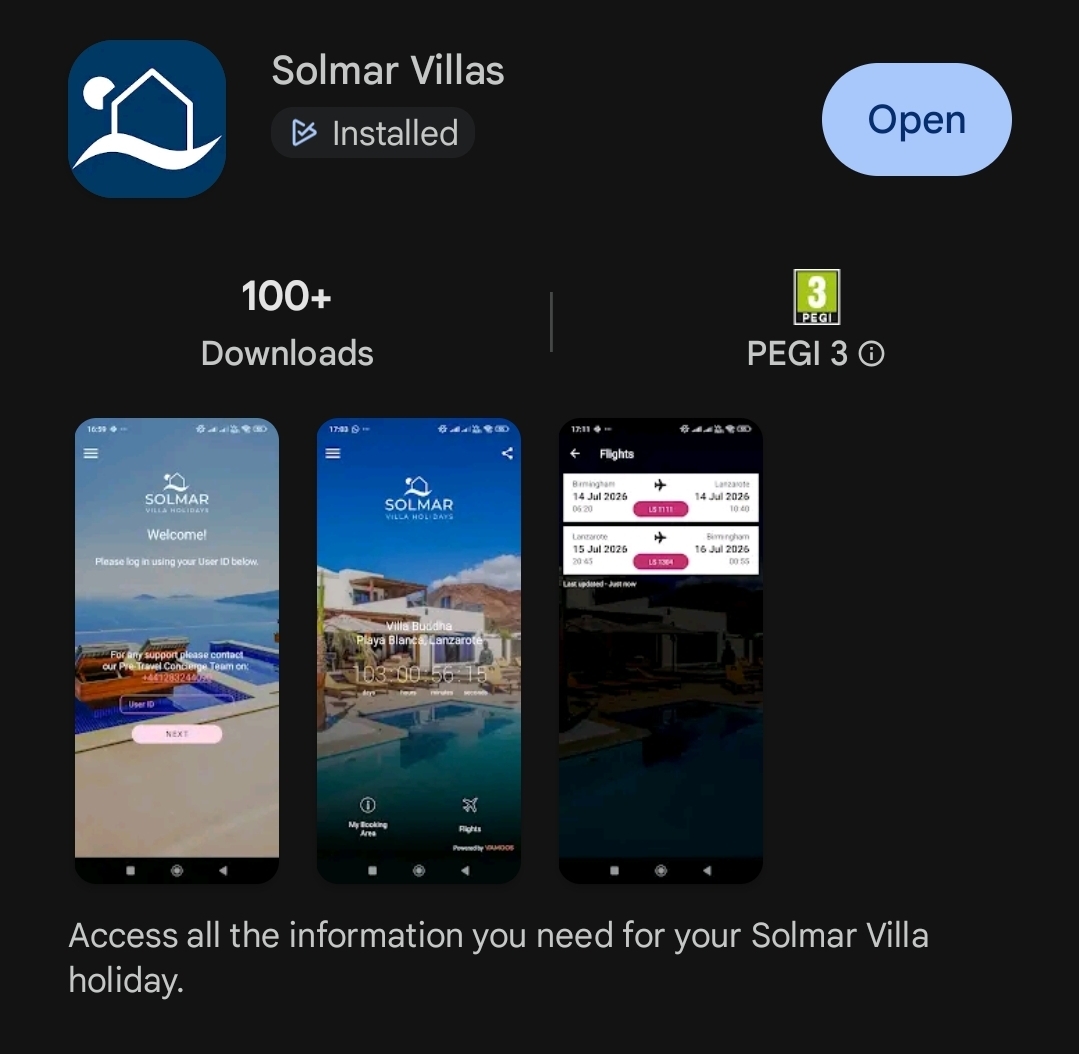
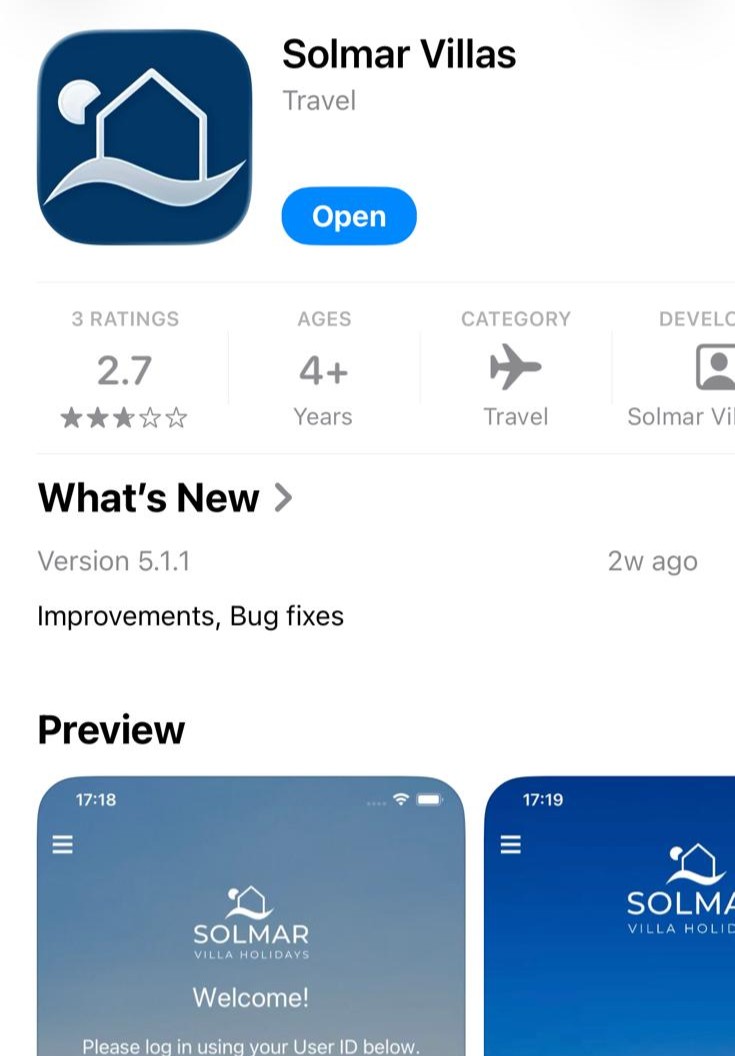
Download the Solmar Villas app from the Google Play Store or the App Store on Apple devices.
Enter your User ID. This will simply be the word "SOL".
Enter your passcode. This will be your booking reference number. This will log you in. Remember to allow notifications to stay up to date on any updates to your booking!
Navigate through the app using the buttons at the bottom. Search through the menu for villa and local area information, look through the map for an interactive view of all the things to do nearby your villa, and check on the weather around your holiday destination!
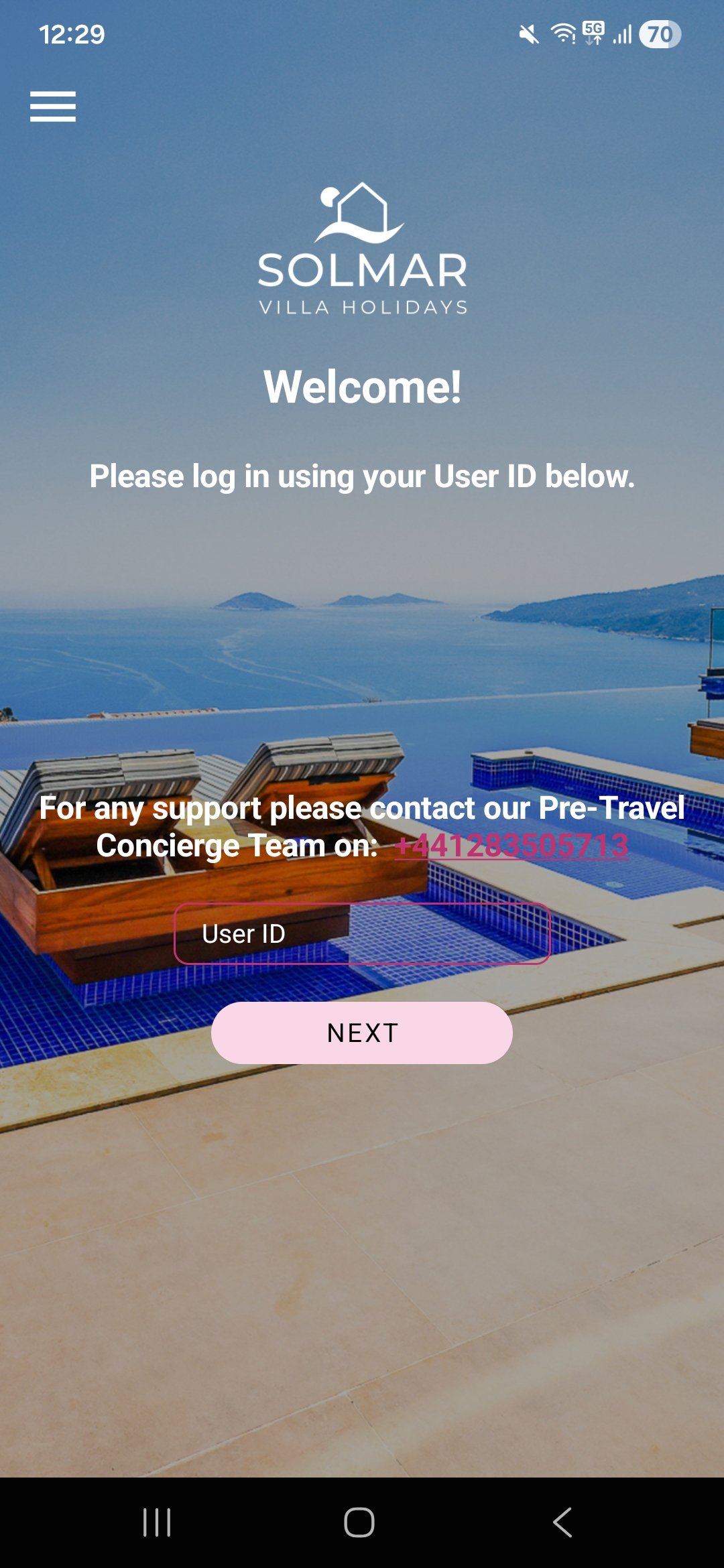
User ID is always "SOL"
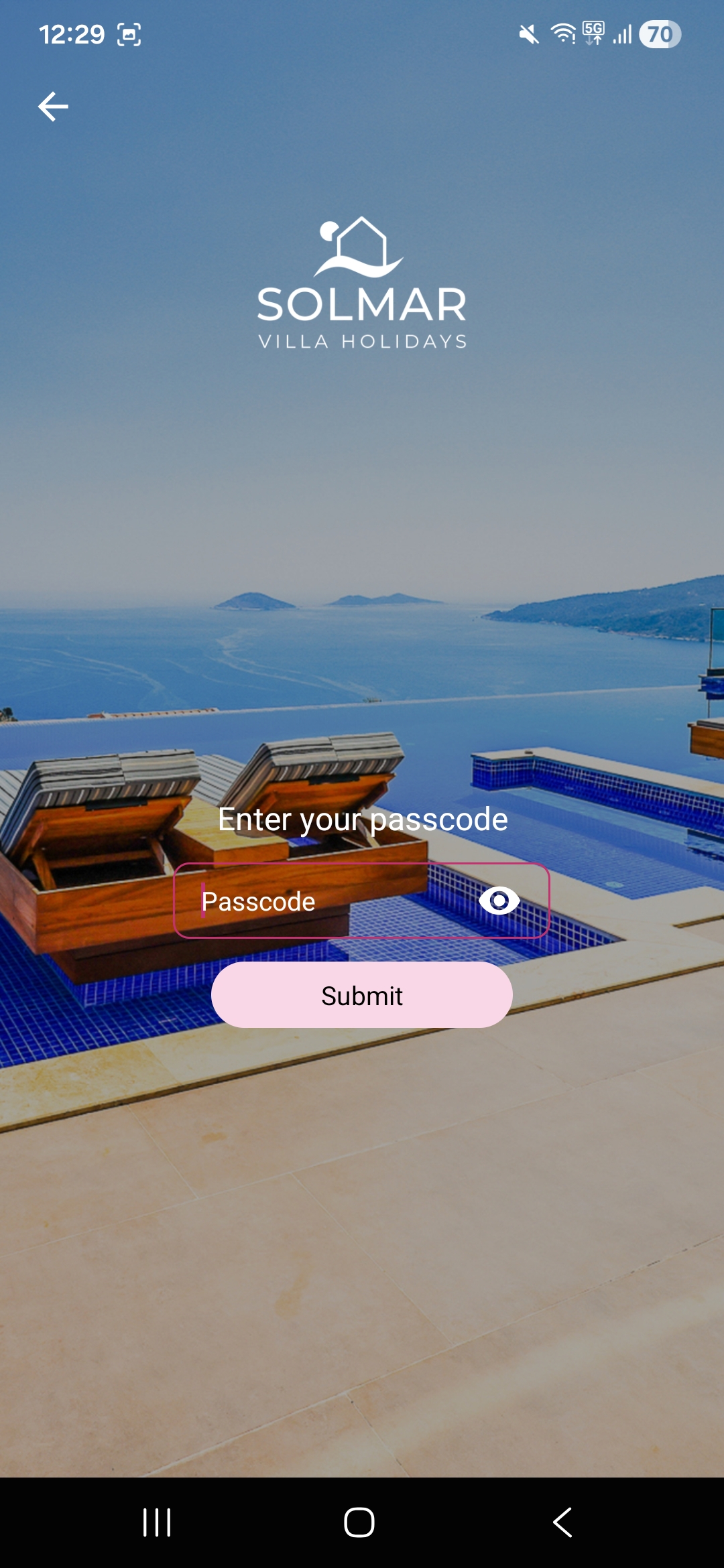
Passcode will be your booking reference number
Winner of 9 British Travel Awards in 2025